Guide
How to make digital invitations
Making digital invitations yourself takes an evening or two, and most of that is gathering details rather than designing. This walks through the whole process in six steps, with the ten things to have ready before you start, and it says plainly where a free tool is enough and where it is not.
Last reviewed August 23, 2026
Before you start
What to have ready before you design anything
Ten details, and gathering them is most of the work. Every one of these has to be settled before a design can be finished, and chasing them halfway through is what turns an evening into a fortnight. Write them into a note first, then open a design tool.
- 01Names, spelled as they will be read aloudIncluding the second names people actually use
- 02The date, and the day of the weekGuests check the day before they check the date
- 03Start time and end timeThe end time is what people plan the trip home around
- 04Venue name, address and floorWritten the way you would give it to a driver
- 05A landmark or a map pinHalf of Philippine addresses need one to be findable
- 06The programme, hour by hourCeremony, photos, dinner, programme, last song
- 07Dress code, and what the colours meanSage means nothing until somebody shows a swatch
- 08Your RSVP deadlineSet it two weeks before the caterer needs numbers
- 09Who to contact, and on which appOne name and one channel, not a committee
- 10Gift or registry wordingOnly if you want it. Plenty of families leave it out
The process
The six steps, in the order they happen
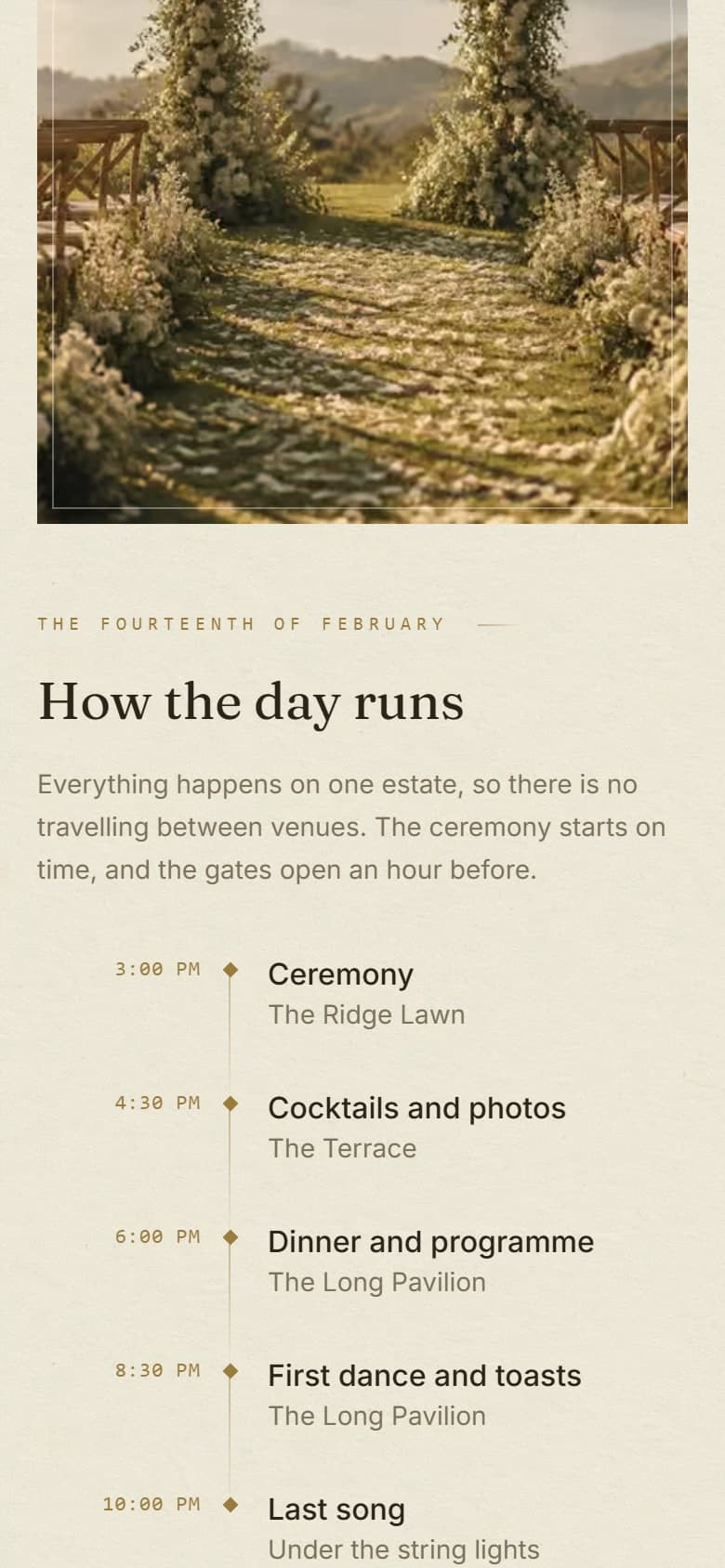
Choose the format, gather the details, pick one direction, lay it out, check it on a phone, then send it. The order matters more than it looks: every step after the first depends on whether you are sending a picture or a page, so decide that before anything else.
- 01
Decide whether you are sending an image or a page
An image is one picture you send once, and it is quicker to make. A page sits on a link and can carry the programme, take replies and collect photos afterwards. Everything else you do depends on this choice, so make it first.
- 02
Gather every detail before you open a design tool
Names, the date, the start and end time, the venue as a driver would need it, the programme, the dress code and your RSVP deadline. Designing before you have these is how people end up redoing the whole thing twice.
- 03
Pick one direction and stop looking
One colour, one photograph you liked, or three words such as garden, warm and simple. Starting from a template is fine. Changing five things about a template is how a template starts to look like a template that was fought with.
- 04
Lay in the names, the photographs and the schedule
Set the type first, at the size a phone will actually show it, then place the images. Check that long names and Filipino honorifics fit, and that a list of twenty ninong and ninang does not run off the edge.
- 05
Check it on a phone, on mobile data
Almost every guest will open it on a phone, on a slow connection, one-handed. Look at it at arm's length on a small screen with the images still loading, and fix anything you cannot read in that state.
- 06
Send it, and decide now how you will handle a change
Venues move and times shift. With a link you edit once and everyone sees the new version. With an image you send a second image and hope the right one is the one people kept. Decide which of those you can live with.
The tools
Which tool to use, and where each one stops
For a short guest list and a simple afternoon, Canva plus a Google Form costs nothing and is genuinely enough. The four below are what most people actually use here, with what each is good at and the point at which it hands the rest of the job back to you.
| Tool | Good for | Where it stops |
|---|---|---|
| Canva | Designing something good-looking quickly, from a very large template library | It hands you a file. The replies, the guest photos and every later change are still yours to organise somewhere else. |
| Google Forms | Collecting replies, free, with no limit on how many | It is a form rather than an invitation. Guests see a form, and the details of the day still have to live somewhere. |
| A template site such as Greetings Island or Adobe Express | Getting a finished-looking card done in one evening | The design is one that other events have also used, and the invitation lives on their brand and their domain rather than yours. |
| A Facebook event | Reminders and replies from the part of your list already on Facebook | It reaches only people on Facebook, and an Interested count is not a headcount you can hand to a caterer. |
Examples
What finished digital invitations look like
Four finished ones, and all four are live rather than pictures, so you can open them and press everything. A Tagaytay wedding, a binyag in Makati, a seventh birthday in Pasig and a sixtieth in Makati. Useful as a reference for layout and length even if you are making your own.
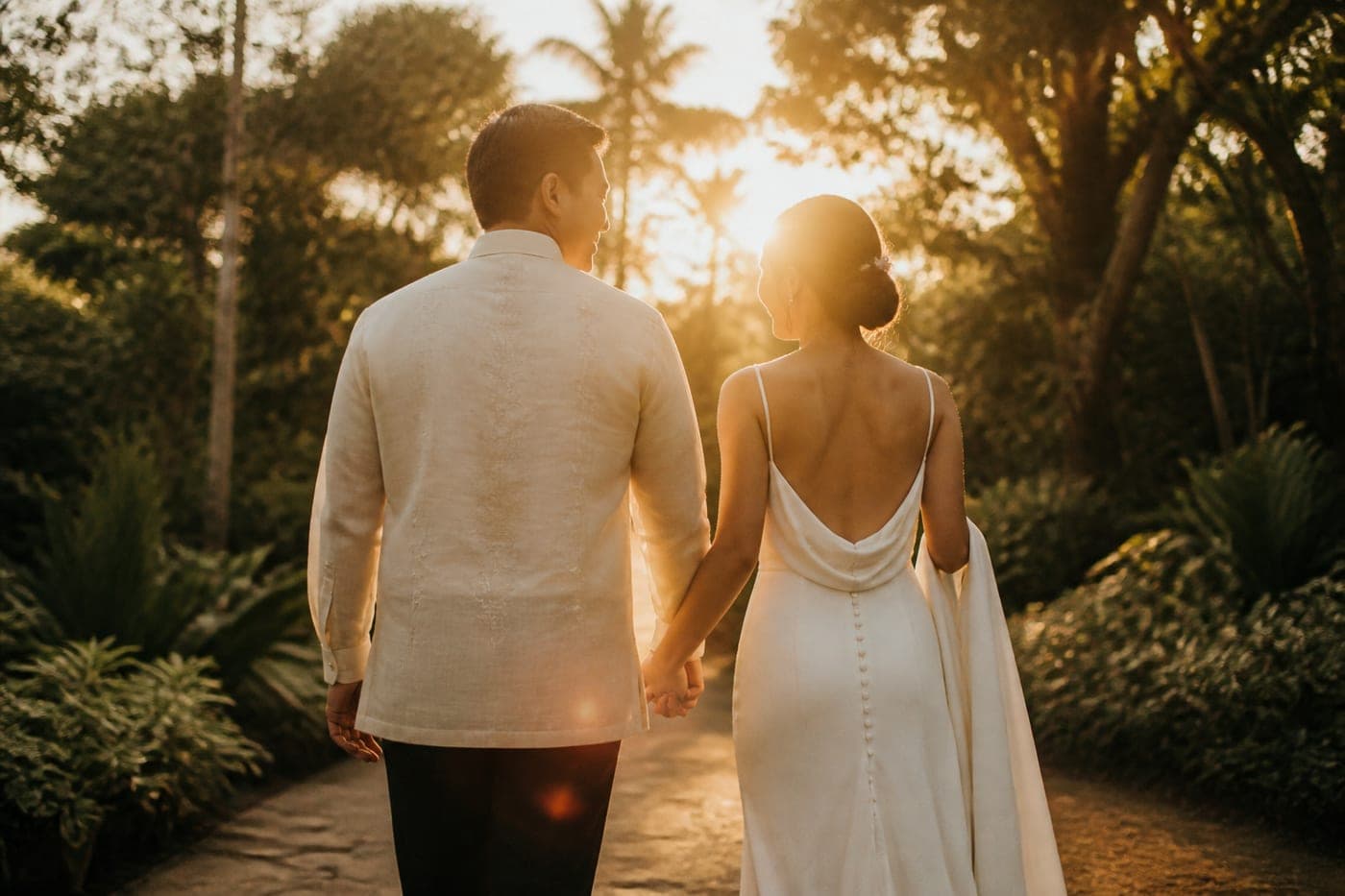
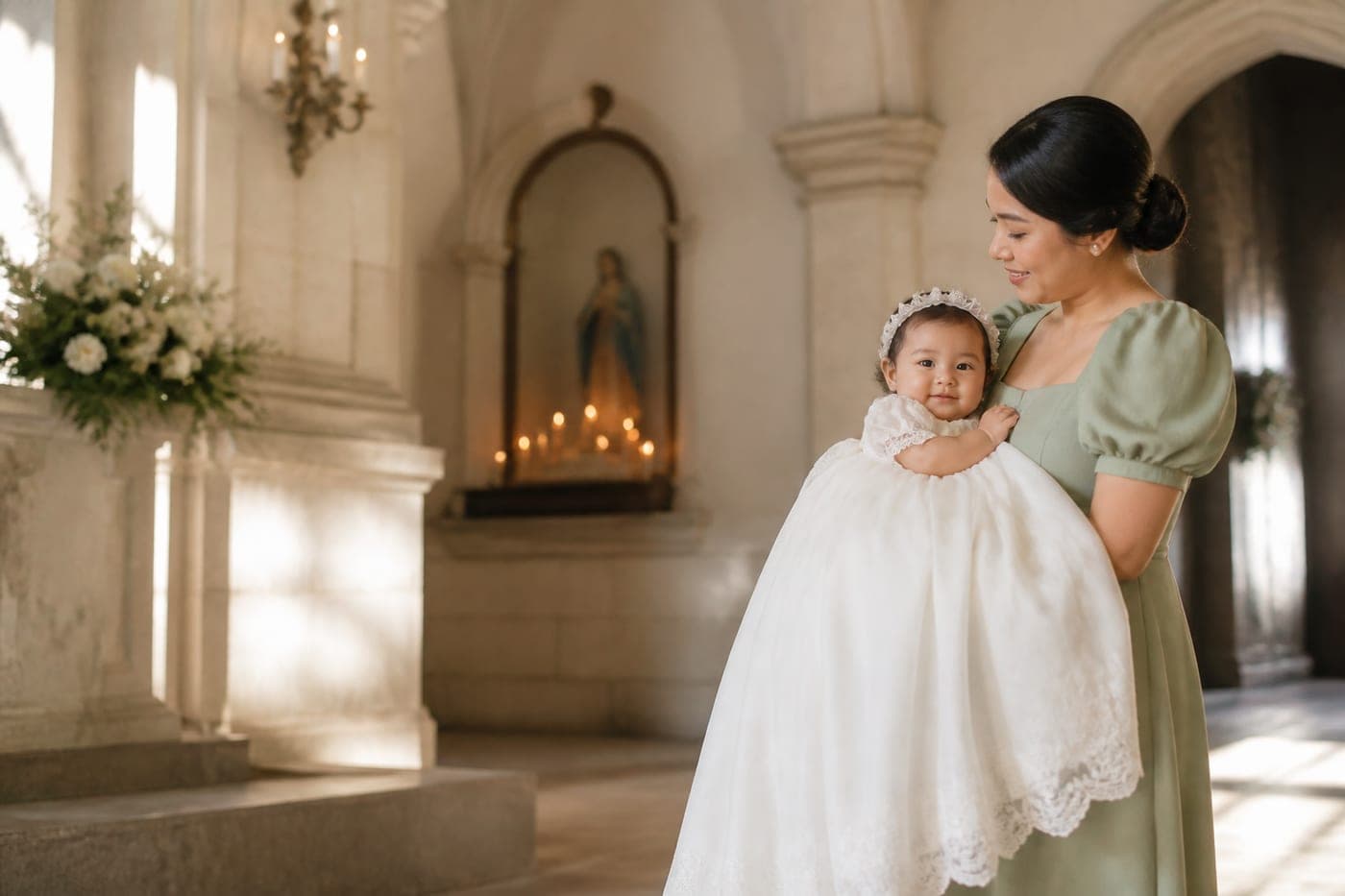


All four are sample designs from our studio, not client work. The venues are real because the maps on them are live; the names and dates are invented.
The other option
When to hand it to somebody else instead
Do it yourself when the event is small, the list is short and you have the evenings. Hand it over when the guest list runs past a hundred, when the programme is long enough that guests will ask questions, or when the design matters enough that you would be disappointed by a template.
Keep it yourself if
- The event is one afternoon with a short programme
- Your list is small enough to count in your head
- You have an evening or two and quite enjoy this part
- A template you like is close enough to finished
Hand it over if
- The list runs past a hundred and you need a real headcount
- There is an entourage, a programme or two venues to explain
- You want every guest photo back in one download
- The evenings you would spend on it are already spoken for
That second column is what we do. We design and host done-for-you digital invitations from ₱999, with the first draft in three to five days, 2 rounds of revisions and the invitation live for 12 months. If you would rather read about replies specifically, online invitations with RSVP goes deeper on that part.
Questions
Asked about making your own
Whether it can be done for free, how long it takes, what size to export, and what to do when the venue moves after you have already sent it.
Can I make a digital invitation for free?
Yes. Canva for the design and a Google Form for the replies costs nothing but your evenings, and for a small, simple event that is genuinely the right answer. What it does not give you is one place that holds the details, the replies and the photos together.
How long does it take to make one yourself?
An evening or two for the design if you start from a template, plus however long it takes to pin down the programme and the venue details. The gathering is the slow part, not the designing, which is why the checklist above comes first.
What size should a digital invitation be?
If you are sending an image, portrait at roughly 1080 by 1350 pixels fills a phone screen without being cropped awkwardly in a chat preview. If it is a page on a link, it should fit any screen it opens on rather than being one fixed size.
How do guests reply if I just send a picture?
They reply in whichever thread you sent it, which means the answers end up scattered across Messenger, Viber, text and comments. A form gives you one list, and an invitation with a reply built into it gives you a running headcount.
What happens if the venue changes after I have sent it?
With an image you export a new one and send it again, and some guests will keep the old one. With a page on a link you change it once and every guest is looking at the current version, including the ones who opened it weeks ago.
From the journal