Email invitations, sent as one working link
An email invitation from us is not an attachment. You email one link, it unfurls in the inbox with your cover image, and it opens into the whole invitation: the details, the programme, the RSVP and the photo wall. From ₱999, first draft in three to five days.
You send it from your own address · 2 rounds of revisions · GCash or bank transfer
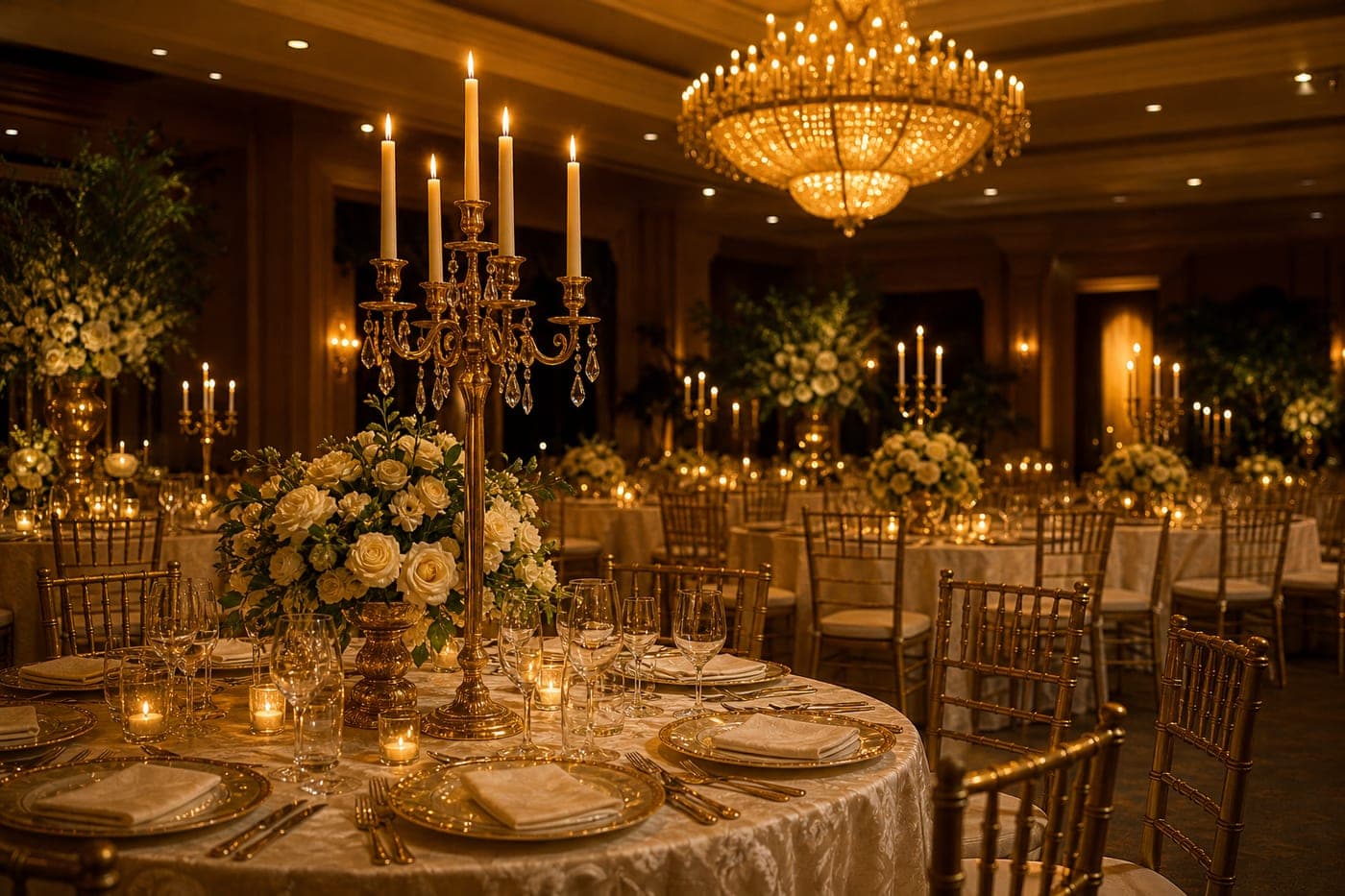
Fifty years, and the vows of
Eduardo & Lourdes
Saturday, 9 October 2027
Makati City
176
days
04
hrs
12
min
38
sec
Well wishes
Tita Nena
Fifty years! I was there for the first day.
Fr. Joaquin
Congratulations, Pa and Ma.
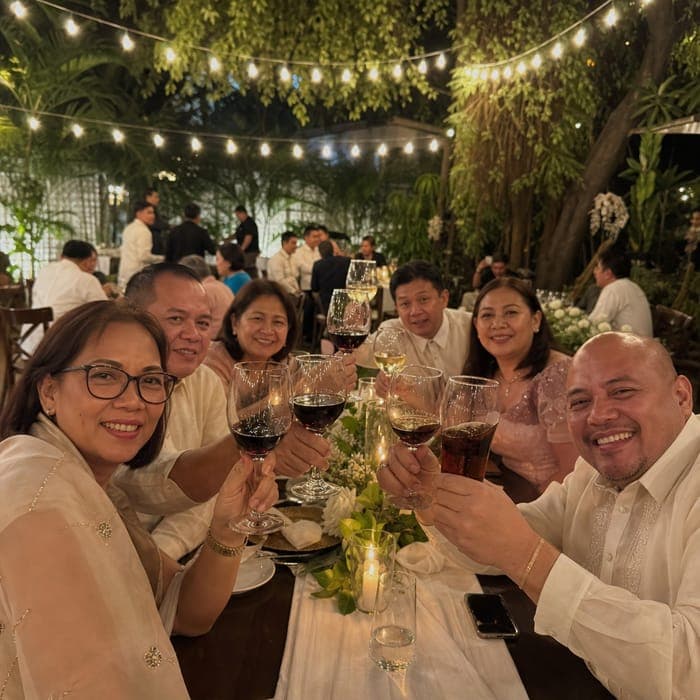
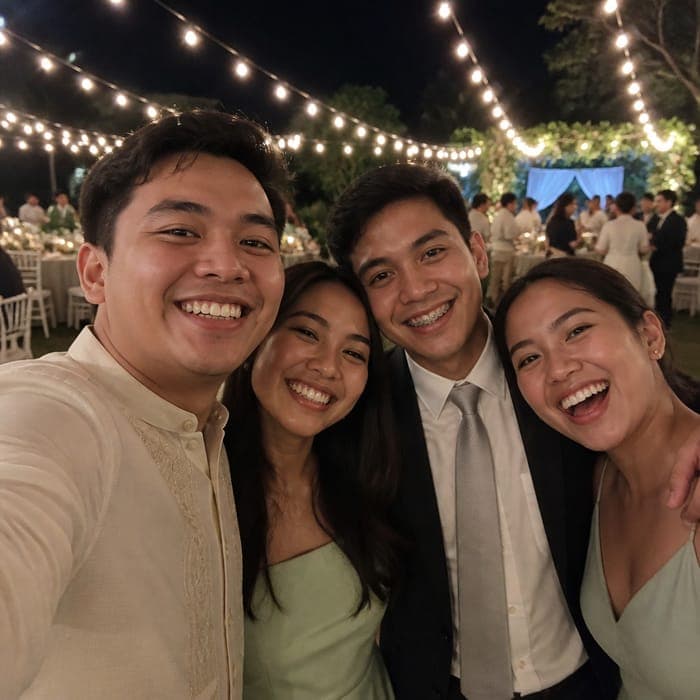
Guest photos
142 from 38 guests
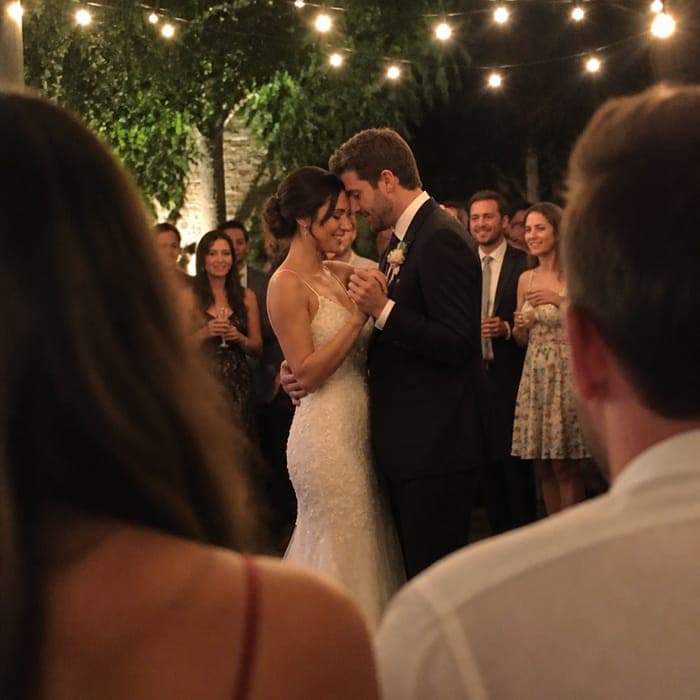
On arrival
What lands in the inbox
In the inbox it is one line and one picture: your subject, and a preview card carrying the cover image and the names. Tapping it opens the invitation in whatever browser is already on the phone. Nothing downloads, nothing needs an app, and there is no attachment to lose.
These are shots of a real sample rather than drawings, so nothing here is a feature we do not ship.
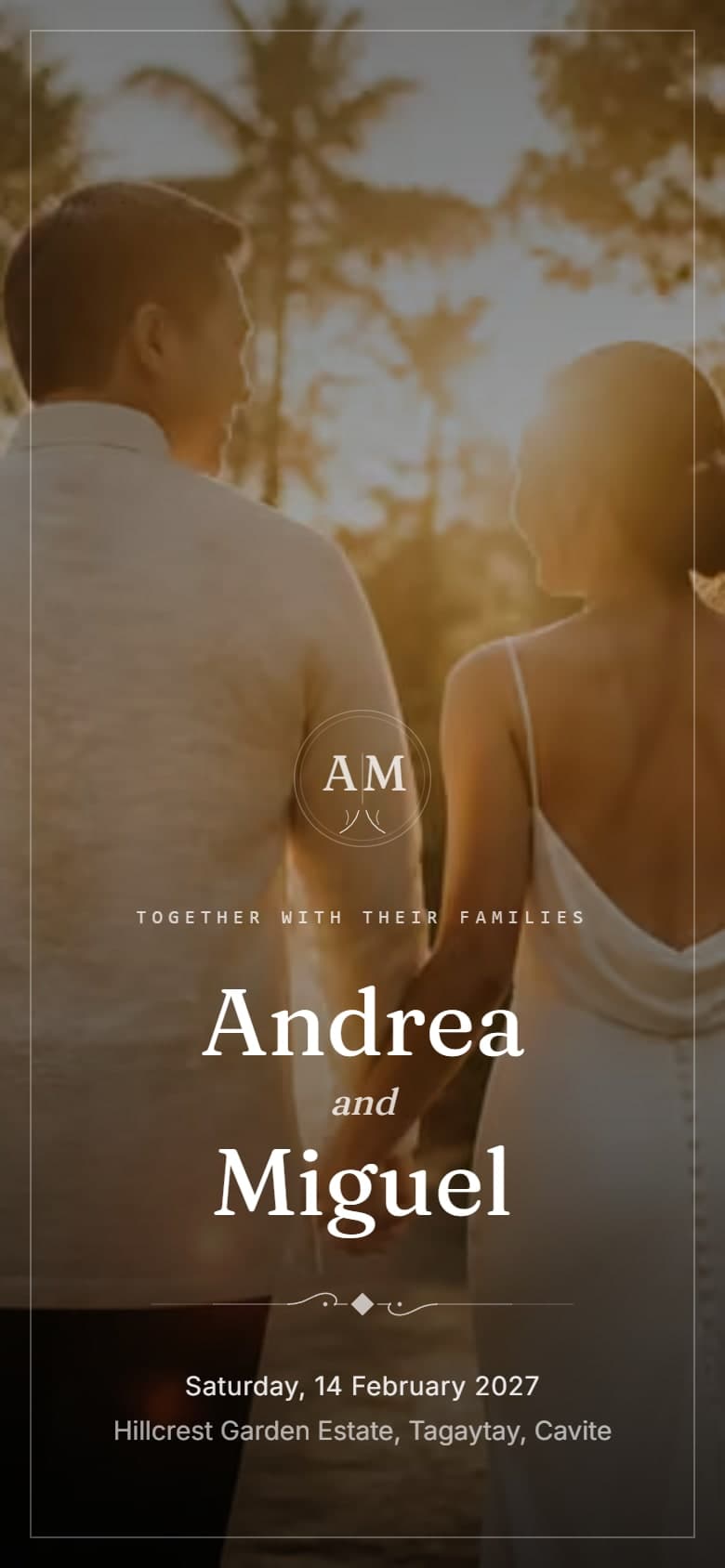
The link opens here
Full screen, in your colours and typefaces, the way a card fills your hands rather than a banner on a web page.
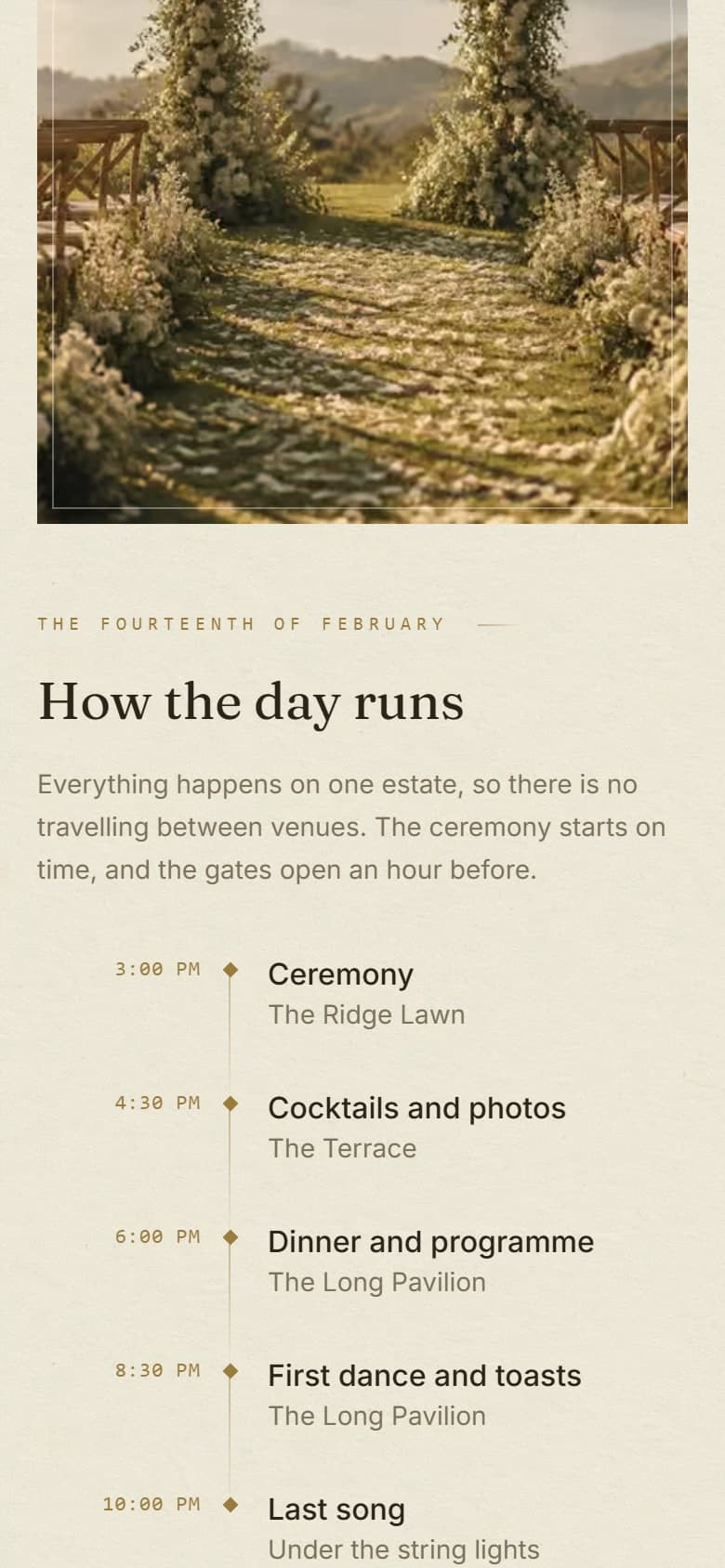
The day, hour by hour
Ceremony, reception and the programme, with a countdown so nobody has to ask what time to arrive.
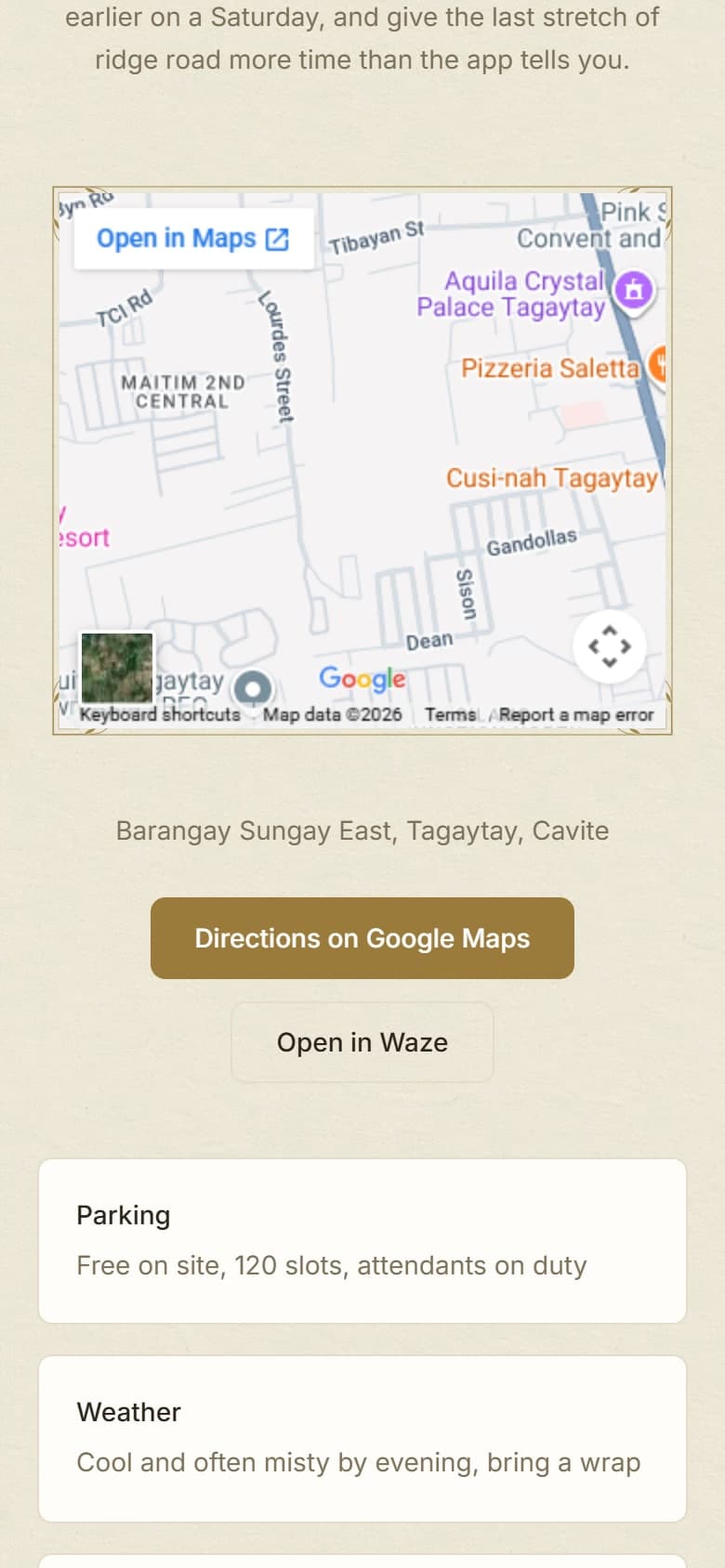
Where, and how to get there
A live map, directions that open in Google Maps, and notes on parking and the ground underfoot.
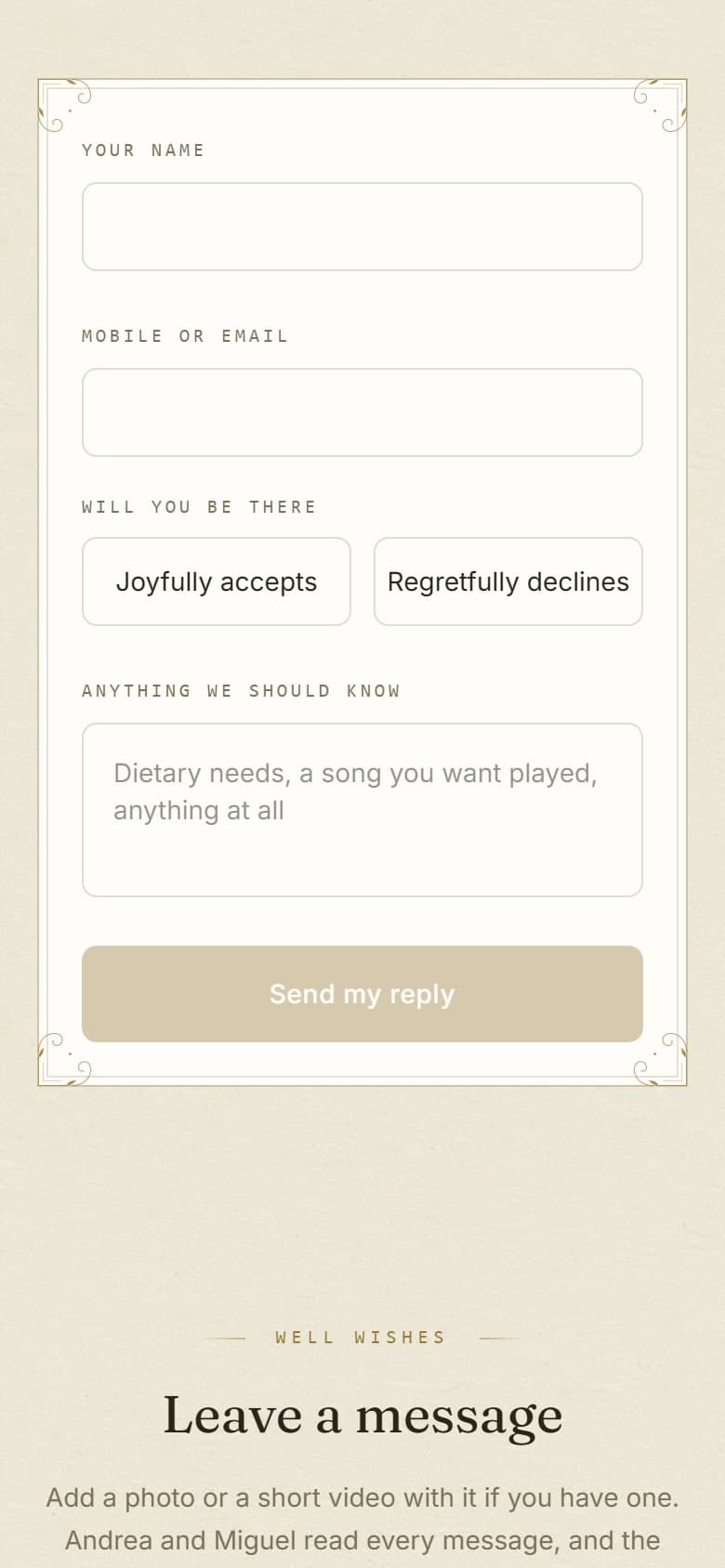
They reply without email
Name, seat count and anything you should know, answered on the invitation instead of by reply-all.
Plainly
Who sends the email
You do, from your own address. We are a design studio rather than a mailing platform: we hand you the finished link, a preview image sized for the inbox, and a QR code, and you send it from the address your guests already recognise. Replies come back to you, not through us.
What we hand you
- The finished invitation on its own private link
- A preview image sized so the link unfurls in the inbox
- A QR code for one printed sign at the venue
- Typo and detail fixes free for as long as it is up
What you do with it
- Send it from the address your guests already recognise
- Paste the same link into Messenger or Viber if you like
- Forward it again to anyone who says they missed it
- Watch the replies arrive as a headcount, not as email
We do not run a bulk sender, so there is no open tracking and no mailing list to manage. If you need every household to have its own link and its own seat count, personalised guest links are a ₱999 add-on and we prepare them for you to send.
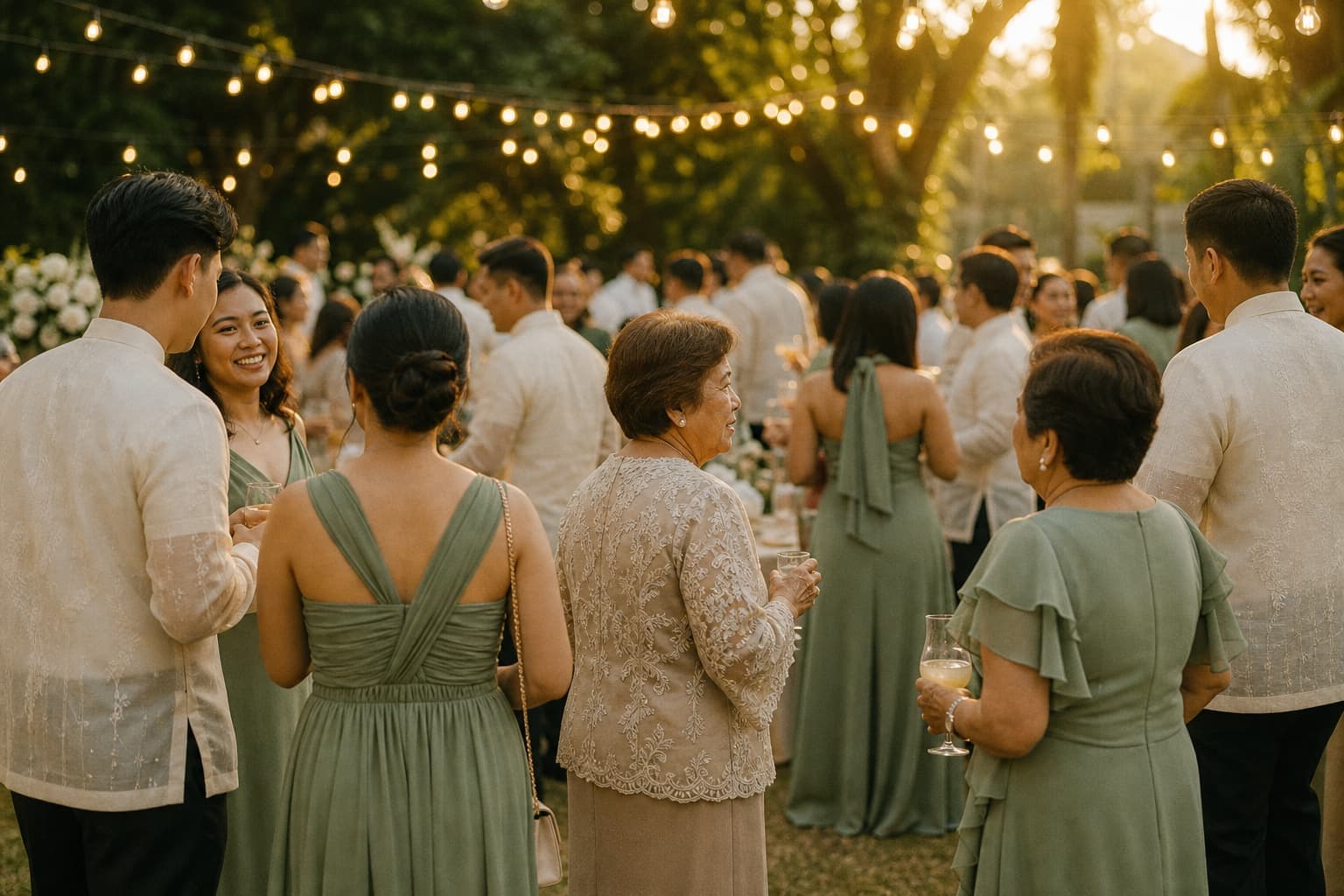
Who email reaches
The titos, titas and ninongs who live in their inbox
Not everyone is in the group chat. Ninongs who read email at work, the tita in Alberta who checks it before her shift, the professor whose whole life is an inbox. Email reaches the part of your list that Messenger never will, and it reaches them with the same link.
The ninongs and ninangs at work
Principal sponsors are often the generation who read email at a desk and treat a group chat as something the kids do. An invitation in the inbox is one they take seriously.
The family in other timezones
A tita in Alberta checking before her shift, a cousin in Doha after his. Email waits for them politely instead of scrolling out of sight the way a chat message does.
Offices, schools and parishes
Anyone inviting through an institution needs an address, not a phone number. The same link goes out on letterhead and lands in a hundred inboxes at once.
One link covers all of them. Send it by email to the ninongs, paste it into the family Viber group, and print the QR code for the door, and everybody is looking at the same invitation.
Start your invitation
The checklist
What to include in an email invitation
Seven things, in the order a guest reads them. Miss the end time and you will be asked about it forty times. Miss the RSVP deadline and the replies arrive the week of the event. Every one of these is on the form we send you, and we write the rest.
A subject line with the names and the date
Not "Invitation". The names and the date, so it survives a scroll through forty unread messages.
Who is inviting, and whose day it is
Both sets of parents on a wedding, the celebrant on a birthday, the company on a launch.
The date, the start time and the end time
Guests plan the trip home around the end time far more than they plan around the start.
The venue as you would give it to a driver
The building, the floor and the barangay, and we add a map pin that opens in Google Maps.
The RSVP deadline, and how to reply
On ours they reply on the invitation itself, so there is no reply-all and no counting emails.
Dress code, parking and the practical notes
Whether to bring the kids, where to leave the car, whether the garden is grass or gravel.
One link, and nothing attached
No PDF and no image file. Attachments get stripped, compressed, or left unopened on data.
Examples
Email invitation examples you can open
Six of ours are below and all of them are live, so you can send yourself the link and see exactly what a guest sees. They run from a golden anniversary in Makati to a binyag, a graduation at UST and a product launch in the Fort.
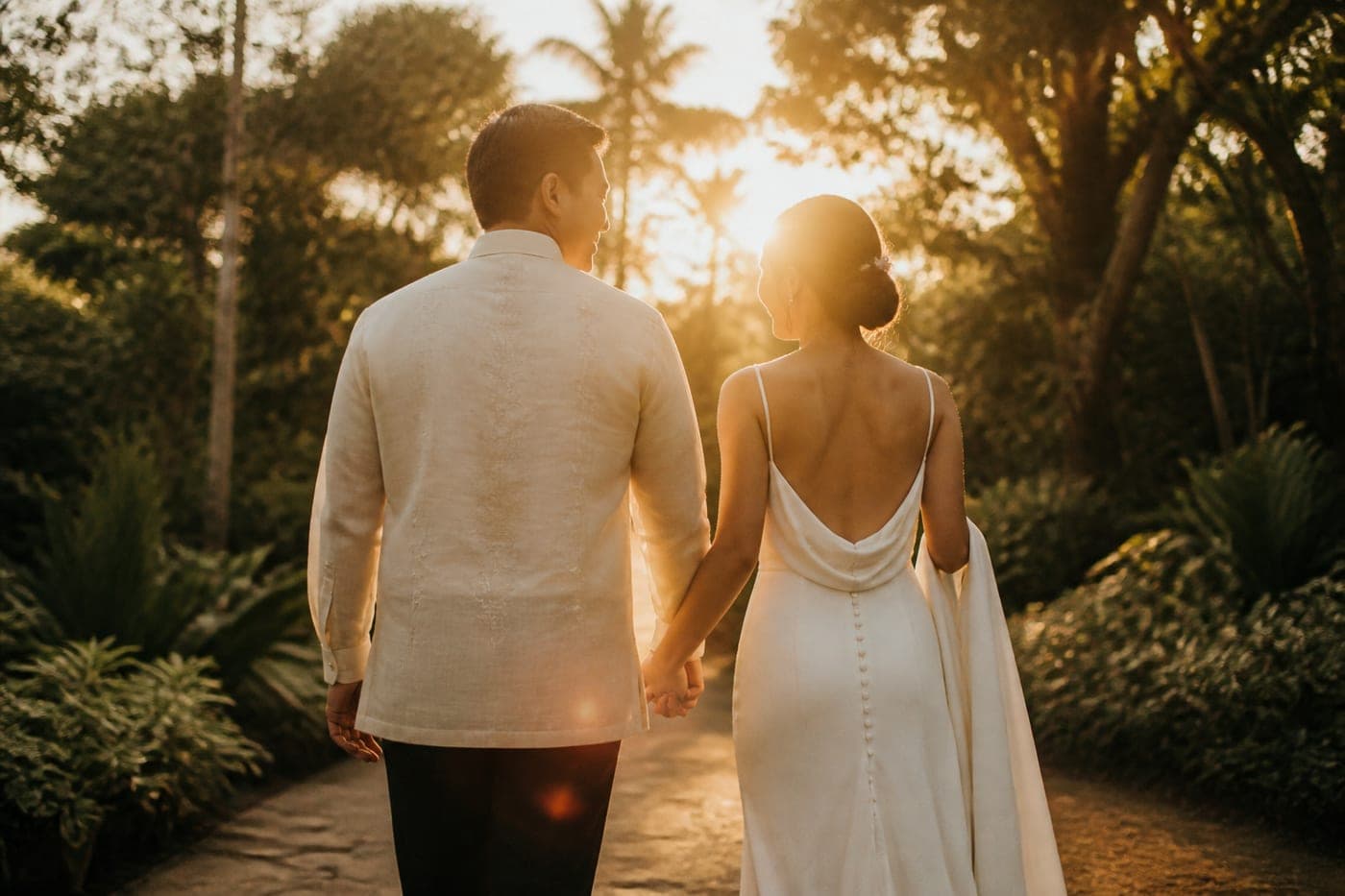
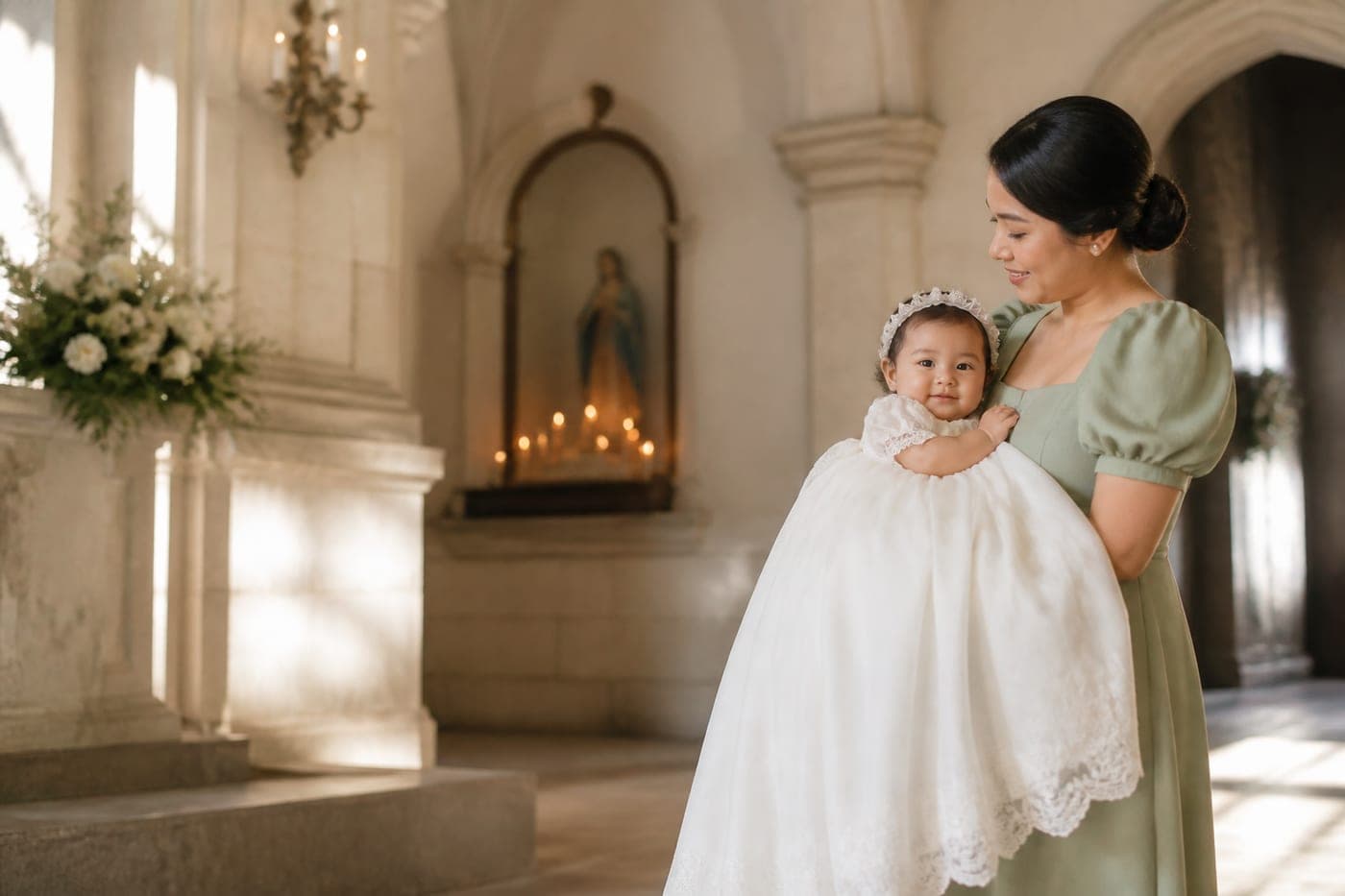

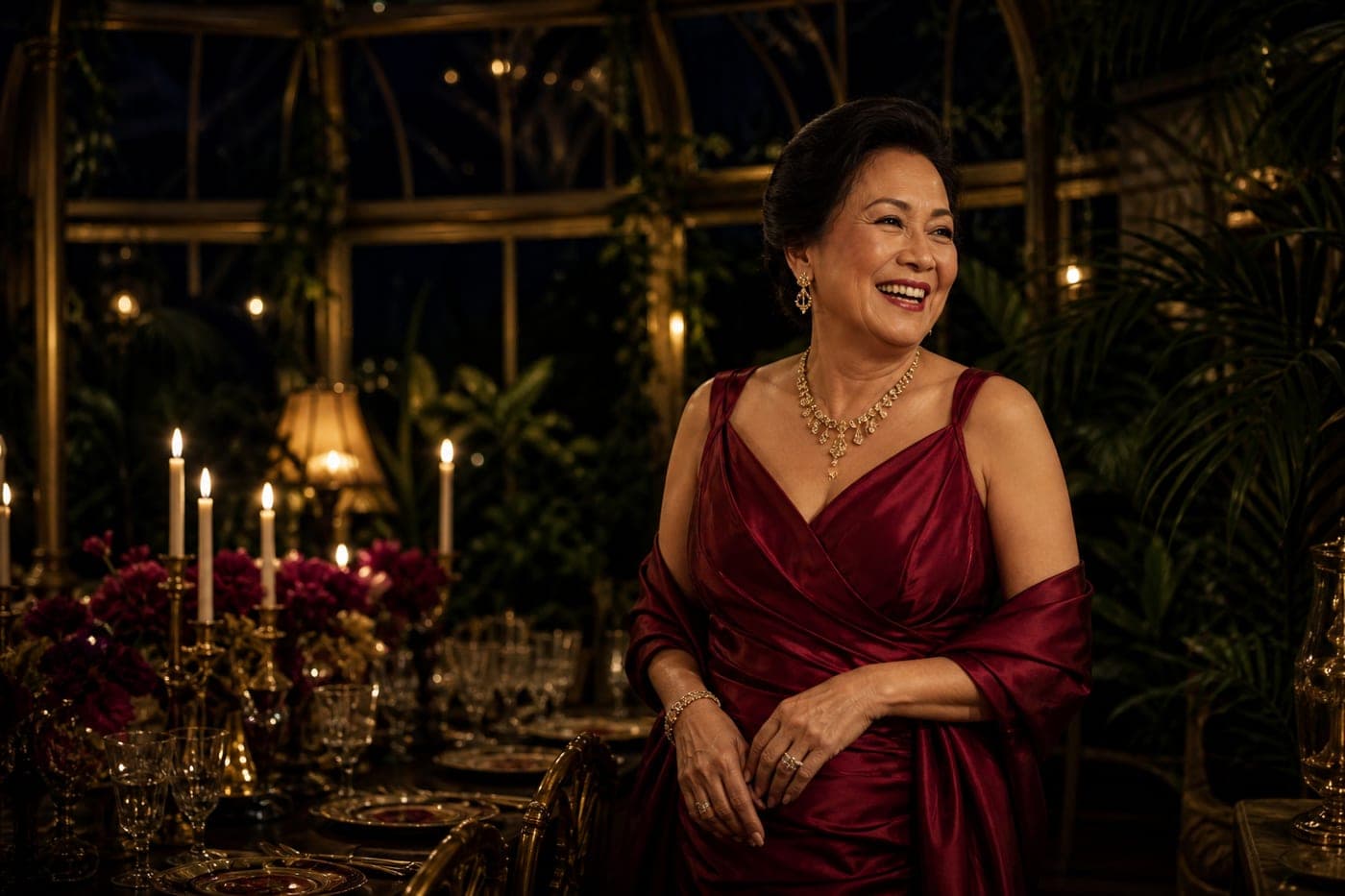
All six are sample designs from our studio, not client work. The venues are real because the maps on them are live; every name and date around them is invented.
What you pay
What it costs, and what every price includes
₱999 for christenings and kids’ parties, ₱1,499 for birthdays and milestones, ₱2,499 for debuts, ₱4,999 for weddings up to 400 guests, and from ₱7,999 for corporate and multi-event work. One payment per event, settled by GCash or bank transfer, with nothing recurring.
₱999
Christenings and kids' parties
For the gentler days, where the guest list is mostly family.
Covers
- Christenings and binyag
- Kids' birthdays
- Baby showers
- Gender reveals
- House blessings
₱1,499
Birthdays and milestones
A whole evening on one link, programme and all.
Covers
- Adult birthdays
- Graduations and pinning ceremonies
- Anniversaries
- Despedidas and reunions
- Fiestas and retirements
₱2,499
Debuts
The 18s, the cotillion, and every name in the order it happens.
Covers
- The 18 roses, candles and treasures
- Cotillion and court
- Full evening programme
₱4,999
Weddings
Ceremony to reception, entourage and all.
Covers
- Ceremony and reception flow
- Entourage and principal sponsors
- Attire, palette and gift note
- Up to 400 guests
Corporate and multi-event
Quoted on the call, once we know the shape of it. Covers launches, galas and conferences, several linked events in one weekend, weddings over 400 guests.
From ₱7,999
Ask for a quoteWhat every invitation includes
- A custom-designed invitation, never a template
- No cap on guests and no cap on photos
- Event details, programme, map and countdown
- RSVP with named replies and seat counts
- A well wishes wall, moderated if you want it
- Guest photos, uploaded as the day happens
- Every photo in one download, at full quality
- A private link search engines cannot index
- Two rounds of revisions on the design
- Typo and detail fixes free, before and after it goes live
Add-ons, if you want them
- Personalised guest linksEvery household gets their own link and their own seat count.₱999
- RushFirst draft in 48 hours instead of three to five days.₱999
- Your own domainyourname.com for twelve months, registered and pointed for you.₱899
- Matching save-the-dateSent months ahead, in the same design language.₱899
Two minutes on the form, and nothing is due until we have spoken.
Sample designs
Open a sample and try the RSVP
Send yourself the link and open it on your phone the way a guest would, then reply to the RSVP and watch the answer land. Nine samples are live altogether, one for every occasion we take, and every part of every one of them works rather than being a picture of working.
Eduardo and Lourdes are fifty years married, at the Rizal Ballroom in Makati. It is the kind of guest list that runs from grandchildren on Viber to friends who have used the same email address since 1998, which is exactly the case email is for.
Reply to the RSVP, leave a message on the wall, scroll the programme. Everything on it works, and it is a sample design from our studio rather than a past client.
Getting started
What we need from you
Six things, and the form asks for all of them in about two minutes. The occasion and whose day it is, the date and the times, the venue, your RSVP deadline, any direction on the look, and anything guests need told in advance. Nothing else is needed before your first draft.
- The occasion, and whose day it is
- A binyag, a debut, a wedding, or something we have not listed
- Date, start time and end time
- Guests plan the trip home around the end time more than the start
- Venue
- The address as you would give it to a driver, and we add the map pin
- Your RSVP deadline
- We show a countdown to it, which does more than a reminder message
- Any direction on the look
- A colour, a photo you liked, or three words. Any one of them is enough
- Anything guests need told
- Parking, dress code, whether to bring the kids, gift preferences
Two minutes on the form. Nothing to pay until we have spoken.
Delivery and revisions
What lands in your hands
One link, a preview image sized for the inbox and for Messenger, and a QR code you can print on a sign for the door. First draft in three to five days, 2 rounds of revisions, and typo fixes free for as long as the invitation is up.
- What you get
- A private link, a QR code for the day, and a preview image sized for Messenger and Viber.
- Turnaround
- First draft in three to five days once we have your details, and we can go faster if the date is close.
- Revisions
- 2 rounds on every invitation, at every price. Typos and detail changes are always free, before and after it goes live.
Email is one of three words for this format. There are pages for e-invitations and paperless invitations too, answering the same question from the other side.
Questions
Asked before booking
Who sends it, what it costs, whether it is an HTML email, and what to do about spam filters. Short answers below, and anything else can go on the call.
Do you send the emails to my guest list?
No. We are a design studio rather than a mailing platform, so you send it from your own address and the replies come back to you. We hand over the link, a preview image sized for the inbox and a QR code. Personalised links per household are a ₱999 add-on.
How much do email invitations cost in the Philippines?
Ours are ₱999 for a christening or a kids' party, ₱1,499 for a birthday or a milestone, ₱2,499 for a debut, and ₱4,999 for a wedding up to 400 guests. Corporate work is quoted from ₱7,999. One payment per event, with no cap on guests.
Is it an HTML email or a link?
A link. We design the invitation as a page rather than as an email layout, because email clients break layouts in ways nobody can test for and images are blocked by default. What arrives is a preview card that opens into the real thing when tapped.
Will it end up in spam?
That depends on your own email rather than on us, and sending to a few hundred addresses from a personal account in one go is what tends to trip filters. Sending in smaller batches, or to people who already have you in their contacts, is the safer way.
Is an email invitation the same as an e-invitation?
Close. An e-invitation is the invitation itself, and email is one of the ways you deliver it. Ours is the same private link whether you send it by email, paste it into a Viber group, or print the QR code on a sign at the door.
Can guests reply without an account?
Yes. They tap the link and reply on the invitation, giving a name and a seat count. There is no app to install, no sign-up, and no reply-all thread for everyone to get dragged through. You see the running headcount in one list.
From the journal