Sending printed and digital invitations together, without doing it twice
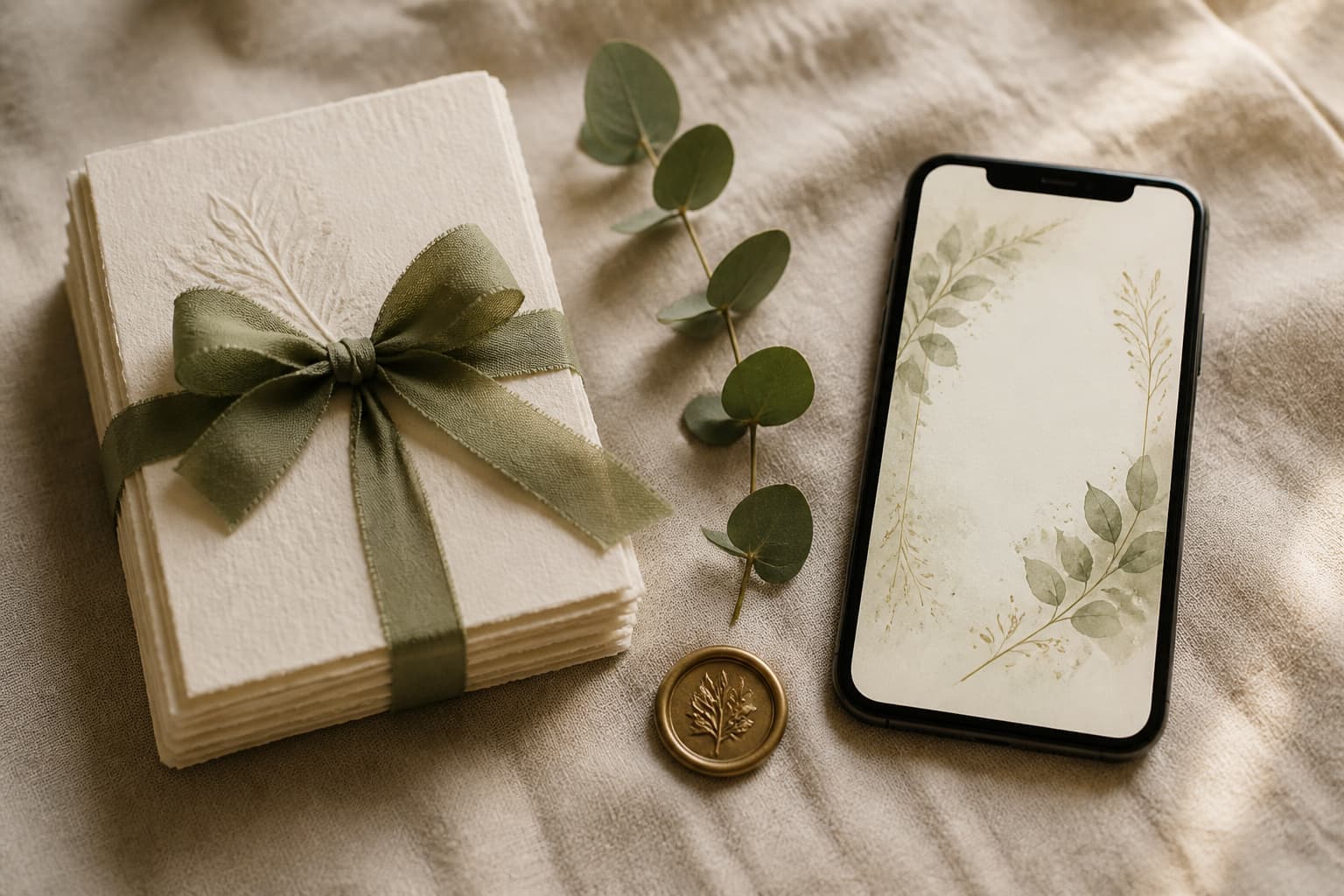
Printed and digital invitations are not really an either-or, and most families here end up doing both. The failure mode is doing both badly: two sets of details, two versions of the programme, and a printed card that goes out of date the week the venue confirms a new call time.
Etiquette5 min read
The division of labour that works
Put the permanent things on the card and the changeable things on the link. Names, the date, the venue and the ceremony time are settled early and belong in print. The programme, the parking notes, the attire detail and the reply all move, so they belong somewhere you can edit once.
| Detail | Card | Link |
|---|---|---|
| Names and the date | Yes | Yes |
| Ceremony venue and time | Yes | Yes |
| Reception venue | Yes | Yes, with a map pin |
| Full programme | No | Yes |
| Parking, ground, travel notes | No | Yes |
| Attire palette and looks | A line at most | Yes |
| RSVP | A QR code | Yes |
| Entourage and sponsors | If there is room | Yes |
The rule behind the table is simple: anything that might change should only exist in one place, and that place should be the one you can edit. A detail printed three hundred times is a detail you have promised not to change.
Who gets printed, and how many to order
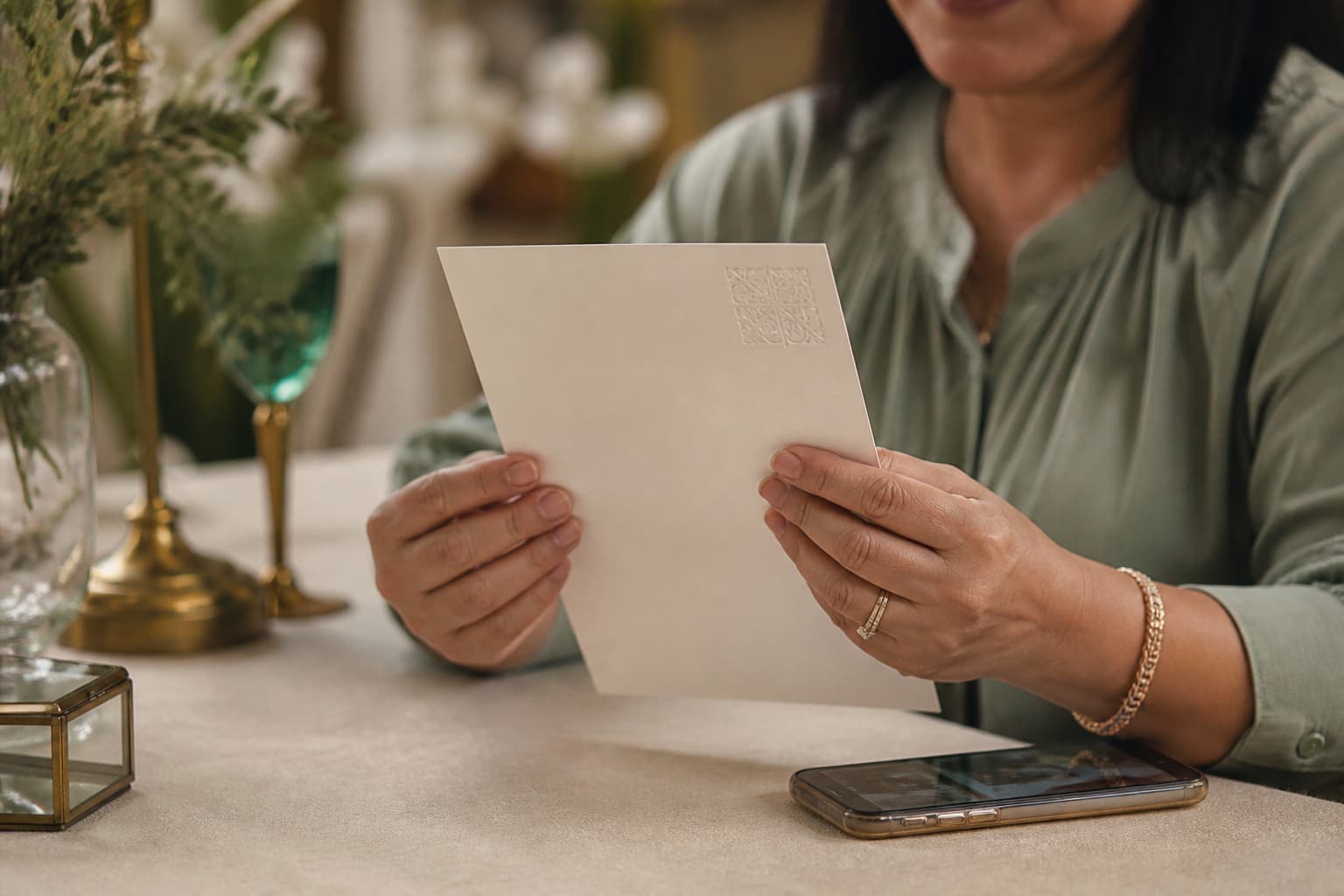
Usually fifteen to forty cards. Both sets of parents, the principal sponsors, the lolas and lolos, anyone who does not use a smartphone, and two for yourselves. Order about ten percent more than your list, because names get added and one always goes astray.
- Both sets of parents, one each rather than one per household
- Every principal sponsor, handed over in person where you can
- Lolas and lolos, and any relative who does not use a smartphone
- The officiant, and anyone with a formal role on the day
- Two for yourselves, because you will want one in twenty years
Do not print for the whole list out of nerves
The instinct is to print everything in case somebody is offended. In practice the people who would mind are the ones already on the short list, and printing three hundred to reassure yourself about fifteen is an expensive way to feel safe.
What to put on the card so it still points at the link
A QR code and one short line. Something like see the full programme and reply, printed small under the details, next to a code that opens the invitation. That single addition turns a printed card from a dead end into a doorway, and it costs nothing extra to print.
Put the code on the back or in a bottom corner rather than the face. A QR block in the middle of a letterpress invitation fights the design, and the people receiving printed cards are precisely the people who care how it looks.
Print the URL underneath it in small type as well. A QR code assumes a working camera app and a steady hand, and a short readable address is the fallback for the guest who would rather type it.
We hand over a QR code and a preview image with every invitation, so the artwork for the card and the code both come from the same place as the link.
How to keep one set of details rather than two
Write the details once, in a single note, and treat it as the only true copy. Both the printer and the invitation get their text from that note. The moment the programme lives in two documents, one of them is already wrong and you will not find out until a guest asks.
- 01Settle the card details first, because printing is the thing you cannot undo
- 02Send the printer exactly the fields on the card and nothing else
- 03Let the link carry everything else, including anything still being decided
- 04When something changes, change the link and never the card
- 05If the ceremony time itself moves, that is the one case worth reprinting
This is also the order that saves money. Printing before the programme is settled is how families end up with a second print run, and a second print run costs more than the first one did per card.
Would you rather hand it over?
What the two together tend to cost
A batch of thirty good cards commonly runs PHP 3,000 to PHP 6,000 at PHP 100 to PHP 200 each. The invitation itself is one payment regardless of guest count; ours is ₱4,999 for a wedding and ₱999 for a binyag or a kids' party.
Compared with printing the whole list, the saving is most of the printing budget. Compared with sending only a link, the extra cost is a few thousand pesos and an evening of writing names on envelopes, which is a fair price for not having the conversation at all.
If you are still weighing the two approaches rather than combining them, that comparison is written up separately.
Asked about this
Can I send printed and digital invitations to different guests?
Yes, and it is the most common arrangement here. Print fifteen to forty cards for the parents, the principal sponsors and the lolas, and send the link to everybody else. Nobody compares notes on which they received.
Should the printed card have a QR code on it?
Yes, with the short web address printed under it. That way a guest who was handed a card can still see the programme, the map and the reply, and you are not asked for the call time again in the group chat.
Do you provide the artwork for the printed cards?
We hand over the QR code and a preview image with every invitation, and the printing itself goes to a local printer. That keeps the card and the link looking like the same event without us pretending to be a print shop.
What if the details change after the cards are printed?
Change the link, not the card. Every guest sees the current version because there is only ever one page, so the only detail worth reprinting for is the ceremony time itself, which is the one thing printed guests will act on directly.