How to actually get the photos your guests took
Most of the photos your guests took at your wedding will never reach you. Not out of selfishness: they sit in camera rolls because nobody was asked at the right moment, and asking two weeks later means asking forty people to do a small chore for you. The fix is almost entirely about timing.
Photos and keepsakesReviewed 5 min read
Why the photos never arrive
Because the ask happens too late. On the night, sending a photo takes ten seconds and feels like part of the celebration. A fortnight later it means scrolling back through two weeks of camera roll, choosing, and uploading on home wifi, which is a favour rather than a moment.
There is a second reason, quieter than the first. Guests do not know which of their photos you would want. Nobody wants to send you forty pictures and look like they are showing off, so most people send two or none, and the two are usually of themselves.
The photograph you want most is almost always somebody else's, and it is pointed at you rather than at them.
The four ways people try, compared
A hashtag, a shared album link, asking in the group chat afterwards, or an upload page on the invitation. All four work to some degree; they differ enormously in how many photos actually arrive and in whether you end up with full resolution files or compressed copies.
| Method | What you get | The catch |
|---|---|---|
| A hashtag | Whatever guests chose to post publicly | Only the posters, only their best shot, and compressed |
| Shared album link | A decent amount, if the link is easy to reach | Usually needs an account, and older guests stop there |
| Asking afterwards | Two or three photos from the organised few | It is a chore by then, and most people never do it |
| Upload on the invitation | The most, at full quality, from every table | It has to be on the link they already have open |
There is a fuller comparison of the first and the last of those, since the hashtag is the one almost everybody tries first.
The five things that decide how many you get
Whether an account is needed, how many taps it takes, whether it works on mobile data at a venue with poor signal, whether somebody says it out loud during the programme, and whether guests can see other people's uploads. That last one matters more than it sounds.
- 01No account, no app, no password. Every one of those loses guests
- 02Four taps or fewer from tapping the link to the upload finishing
- 03Works on a weak signal, and retries rather than failing silently
- 04Announced once from the microphone, by name, during the programme
- 05Guests can see the gallery filling up, which makes uploading social rather than administrative
Why seeing the gallery matters
Uploading into a void feels like filing paperwork. Uploading into a gallery that visibly grew by thirty photos during dinner feels like joining in, and guests who see other people's photos go back through their own to add more.
What to say, and when to say it
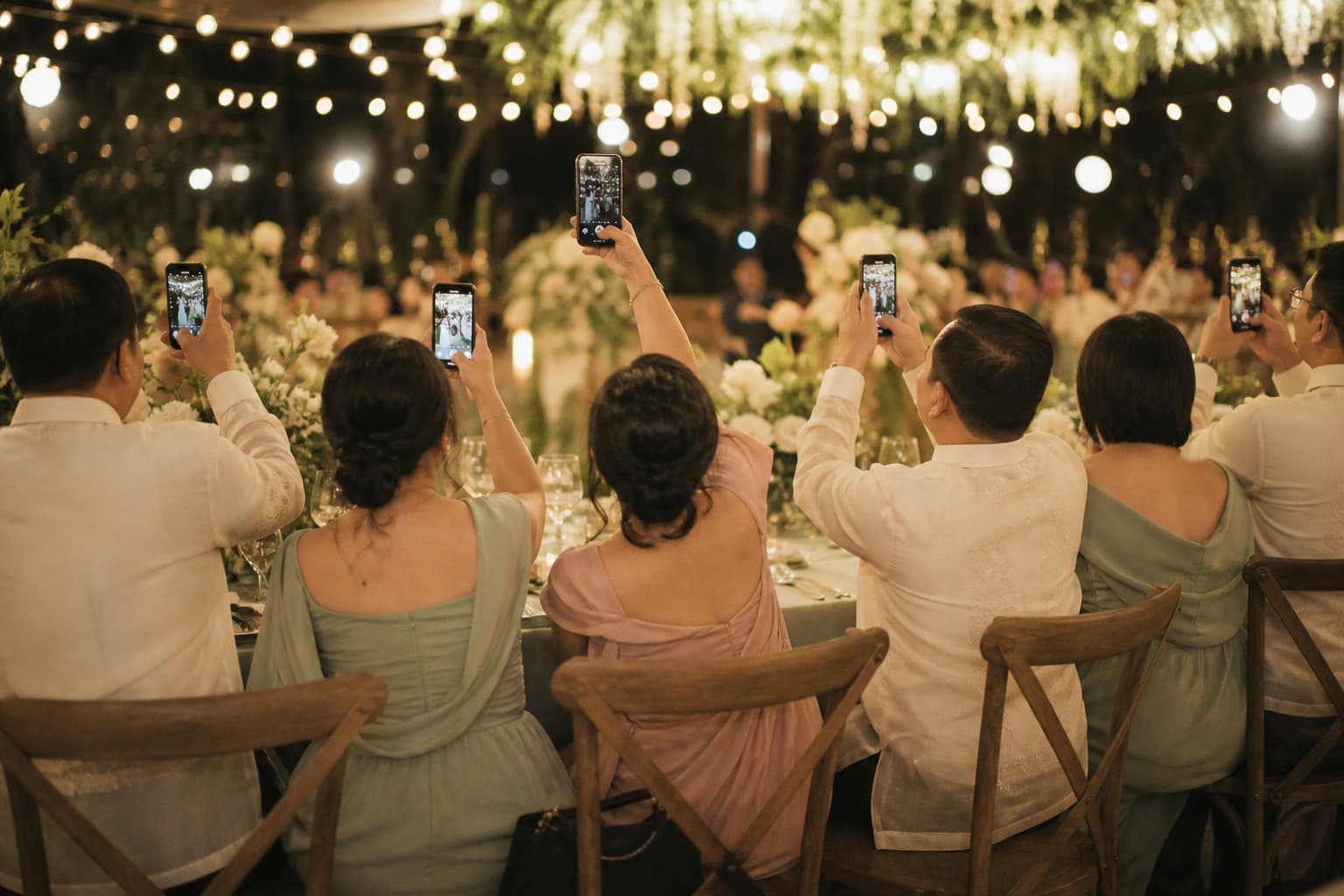
Once from the microphone after dinner, and once on any signage. After dinner is the sweet spot: the ceremony photos exist by then, people are seated with their phones out, and the dancing has not started. A single announcement at that moment outperforms every printed reminder.
- On the invitation, before the day
- One line saying photos from the day will be collected here, so it is not a surprise instruction on the night.
- From the microphone, after dinner
- The single most effective thing. The emcee says it once, plainly, and names the link or the QR code on the tables.
- On the tables
- A small sign with the QR code, so the guest who missed the announcement still has it in front of them.
- The morning after
- One message in the group thread. This is the only follow-up worth sending, and it catches the late uploads.
Would you rather hand it over?
What to do with them afterwards
Download the whole set at full resolution and keep it somewhere that is not one phone. On ours the photos stay downloadable for 90 days after the event, or a year for ₱499, and the invitation itself stays up for 12 months with the gallery on it.
Download early rather than at the end of the window. The week after the event is when you actually want to look at them, and it is also the week you are least likely to forget.
The reason to keep the gallery up rather than just archiving the files is that guests go back to it. Months later, people are still opening the link to look at a night they were at, which is the one thing a folder on a hard drive has never done.
Asked about this
How do I get all the photos my guests took at my wedding?
Give them somewhere to put them on the night, on the same link as the invitation, with no account and no app. Announce it once from the microphone after dinner. Asking in the group chat two weeks later gets you a handful from the organised few.
Is a wedding hashtag enough to collect guest photos?
No, though it is worth having for other reasons. A hashtag only reaches guests who post publicly, gives you their single best shot rather than all of them, and hands you a compressed copy rather than the original file.
Do guests need an app to upload photos?
They should not. Anything that opens the App Store loses the guest immediately and silently. On ours a guest taps the invitation link, taps add photos, and picks from their camera roll, with a name attached so you know whose is whose.
How long do guest photos stay available?
On ours, 90 days from the event date with no cap on how many, or a full year for ₱499 if you would rather keep the window open. We remind you before it closes either way.